
Make your agent act
An agent earns trust by knowing when a person should take over. Here, Acme Support notifies support@example.com when a routine hands off a refund question that needs a human.
Set up transactional mail first so the destination receives the notice. Set up transactional mail covers the delivery settings and a quick verification.
Add a notify destination
- Open the agent’s Skills tab.
- Choose Add new skill, then select Notify Human.
- Keep the generated name
contact_human. - Under Delivery, add
support@example.comto Recipient emails. - Choose Create skill.
contact_human is the agent’s default destination for contact requests and ending notices that use Default. An empty recipient list routes through the workspace owner’s email. Owners and admins manage recipient lists; the form accepts up to 25 addresses. A webhook URL can accompany the email destination when your team also receives notifications in another system.
Add a hand-off
- Open the agent’s Routines tab and choose New routine.
- Name it
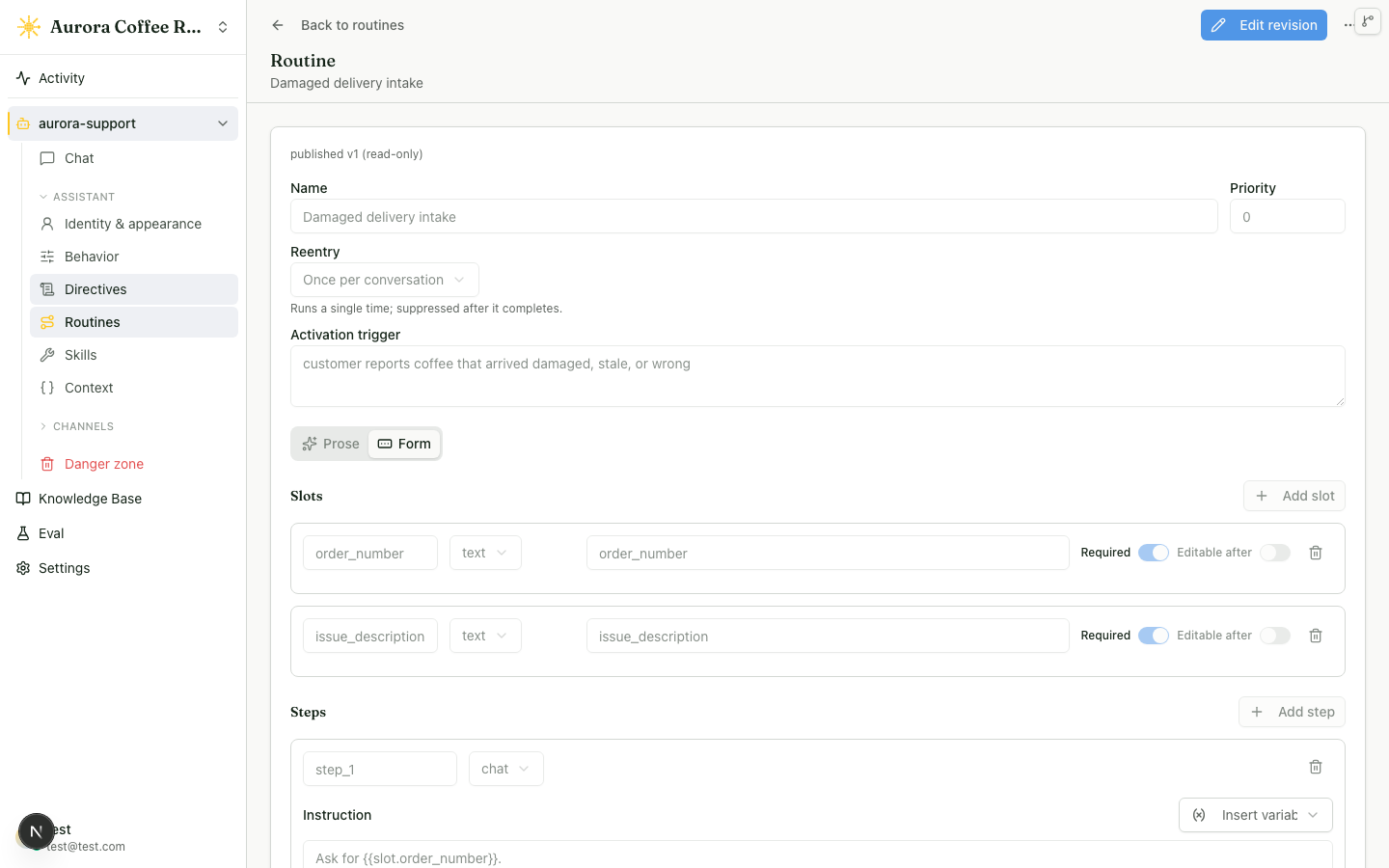
Refund reviewand set Activation trigger toA customer needs a person to review a refund request. - Add a chat step that asks the customer for their order number and the issue to review.
- Under Endings, choose Add hand-off and write a confirmation such as
I’m handing this to our support team. - Open the hand-off ending. Notify the team stays on for a hand-off. In Send with, choose
contact_human. - Choose Save draft, test the flow in Test Chat, then choose Review & publish.
Send with stores the routine ending’s operatorNotice destination. It can use Default or any enabled notify skill on that agent. The selected skill’s recipients and webhook receive the notice, while Replies go to can connect an email field collected by the routine to the recipient’s Reply action.
Check the result
Start a fresh conversation and ask for a person. Complete the routine’s questions. The agent confirms the hand-off, the team receives the notice, and the conversation appears in Inbox for a teammate to take over.
Every conversation can dispatch five contact requests or team notices. Each email attempt also counts against the workspace’s UTC-day allowance. When that allowance is full, a configured webhook still receives the notice; when the conversation allowance is full, Radioso records the outcome for an operator to review.
Common failure modes
- Set
MAIL_DRIVER=resendand a valid sender as described in Set up transactional mail before testing inbox delivery. - Ask an owner or admin to make a recipient-list change.
- Check the activation trigger, ensure the routine is live, then test it in a fresh Test Chat conversation.
- Use a real channel conversation when you are ready to verify delivery; private tests preview the hand-off.
Read next
- Embed on your website — put the published agent in front of visitors.
- Author a routine — build richer intake and action flows.