
Get your first grounded answer
Put one fact in front of your agent, then ask for that fact back. This gives you a useful baseline: you can see document processing finish, read an answer, and follow its citation to the source that supported it.
Use a short document with an answer you can recognize. This example uses a refund policy:
Refunds are available within 14 days of purchase with proof of payment.
Add the document
- In the dashboard sidebar, open Knowledge Base → Documents.
- Choose Add, then select Import file for a file or Write document to paste the refund policy as text.
- Give it the title
Refund policy, then save or import it. - Wait for its status to read Ready.
The worker extracts, chunks, and embeds the document before chat can use it. A Ready status means the answer test has evidence to work with.
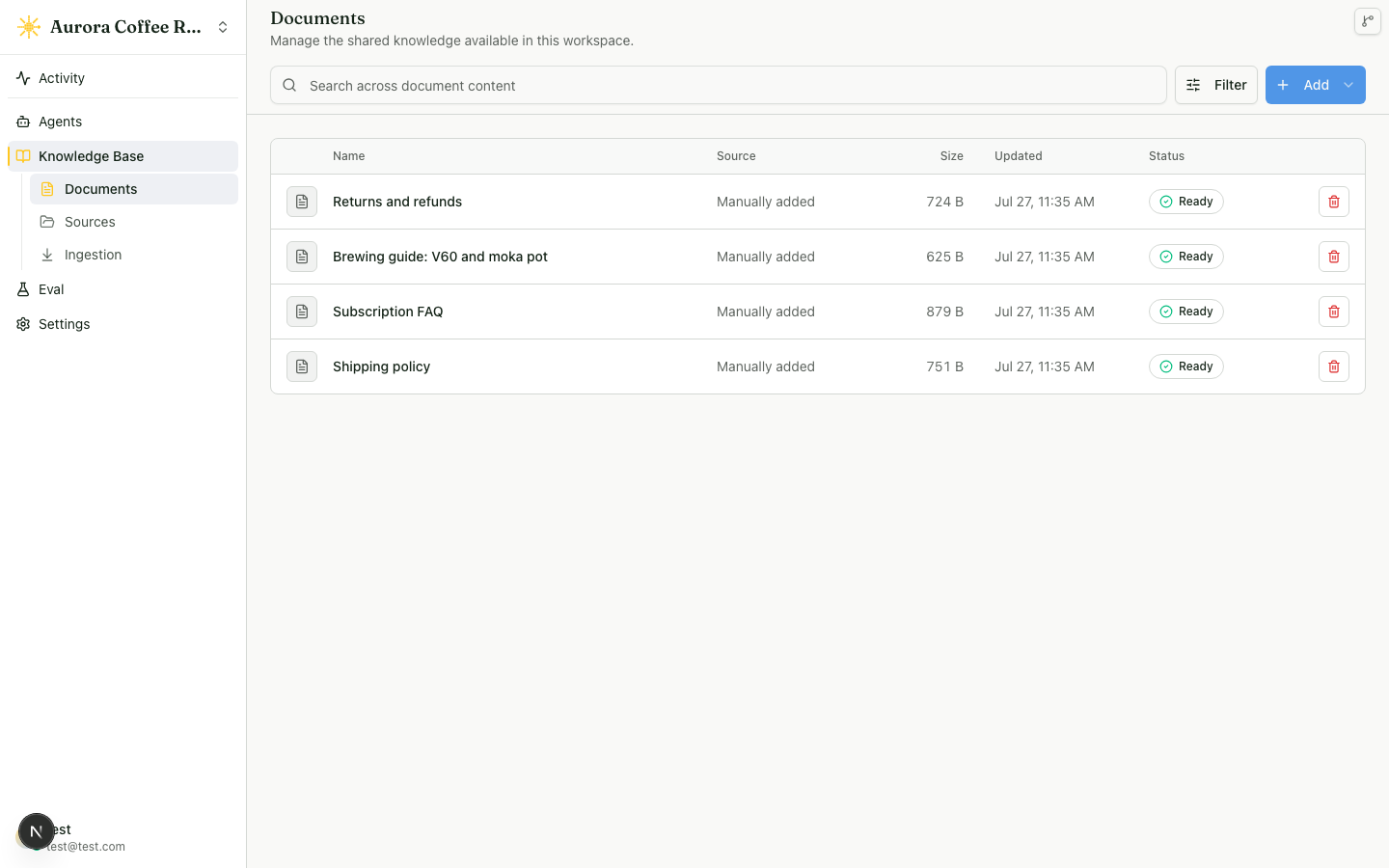
Ask the question
- Select an agent in the sidebar.
- Open Test Chat.
- Ask:
What is the refund window? - Open the source control on the response and confirm it names Refund policy.
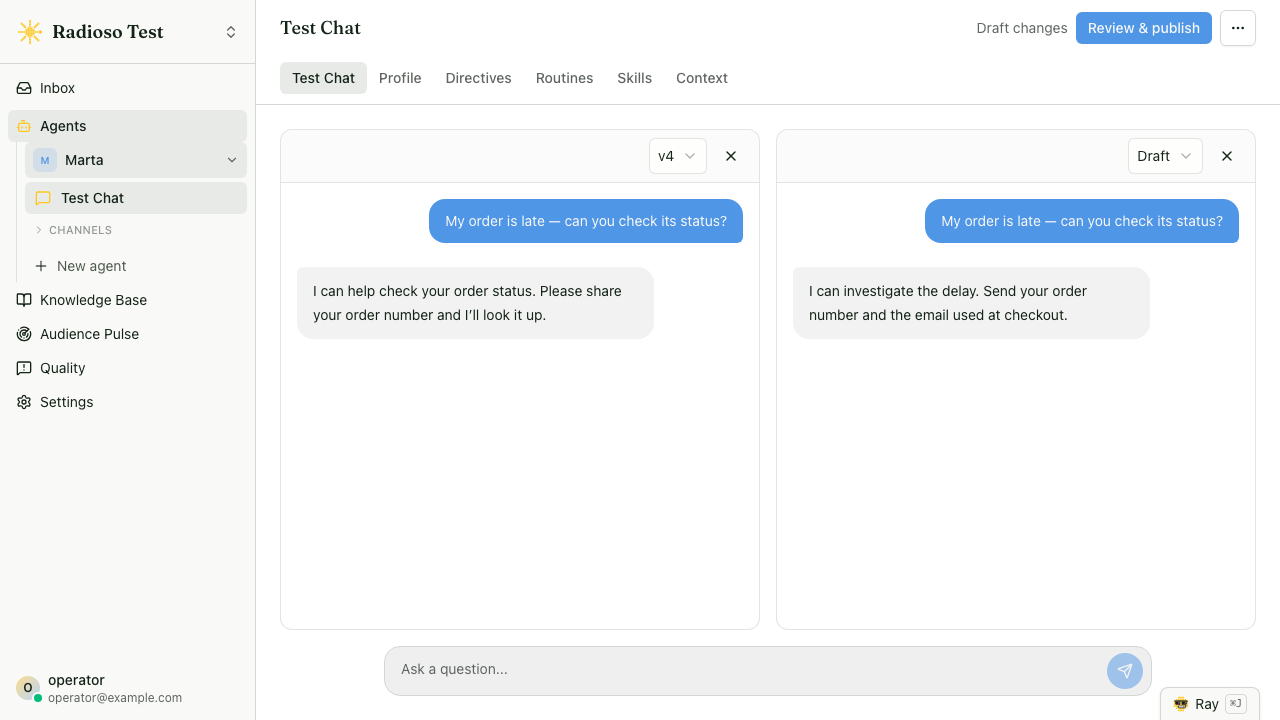
The answer should name the 14-day window and cite the document you added. That gives you a concrete way to recognize future regressions: change the policy document, let it reach Ready, and ask the same question again.
Common failure modes
- Wait for the document to reach Ready, then start a fresh Test Chat turn.
- Add a valid provider key under Settings → Providers before embedding or answer generation.
- Ask a question whose answer appears plainly in the document, then inspect the cited source.
Read next
- Create your first agent — give a separate agent its own identity and instructions.
- Your first API answer — use the role-bound credential model from a script or service.