
Slack channel
The Slack channel lets people talk to your Radioso agents from Slack. One Slack workspace connects to one Radioso workspace — the one that installed the Slack app. Inside it, the default agent answers direct messages and any channel without a specific binding, and individual Slack channels can be routed to specific agents.
Slack is a channel, not a document source. Radioso does not read Slack history, does not call Slack search, and does not add Slack messages to the knowledge base. Answers still come from the agent’s curated Radioso knowledge; if that knowledge does not cover the question, the agent declines safely or escalates.
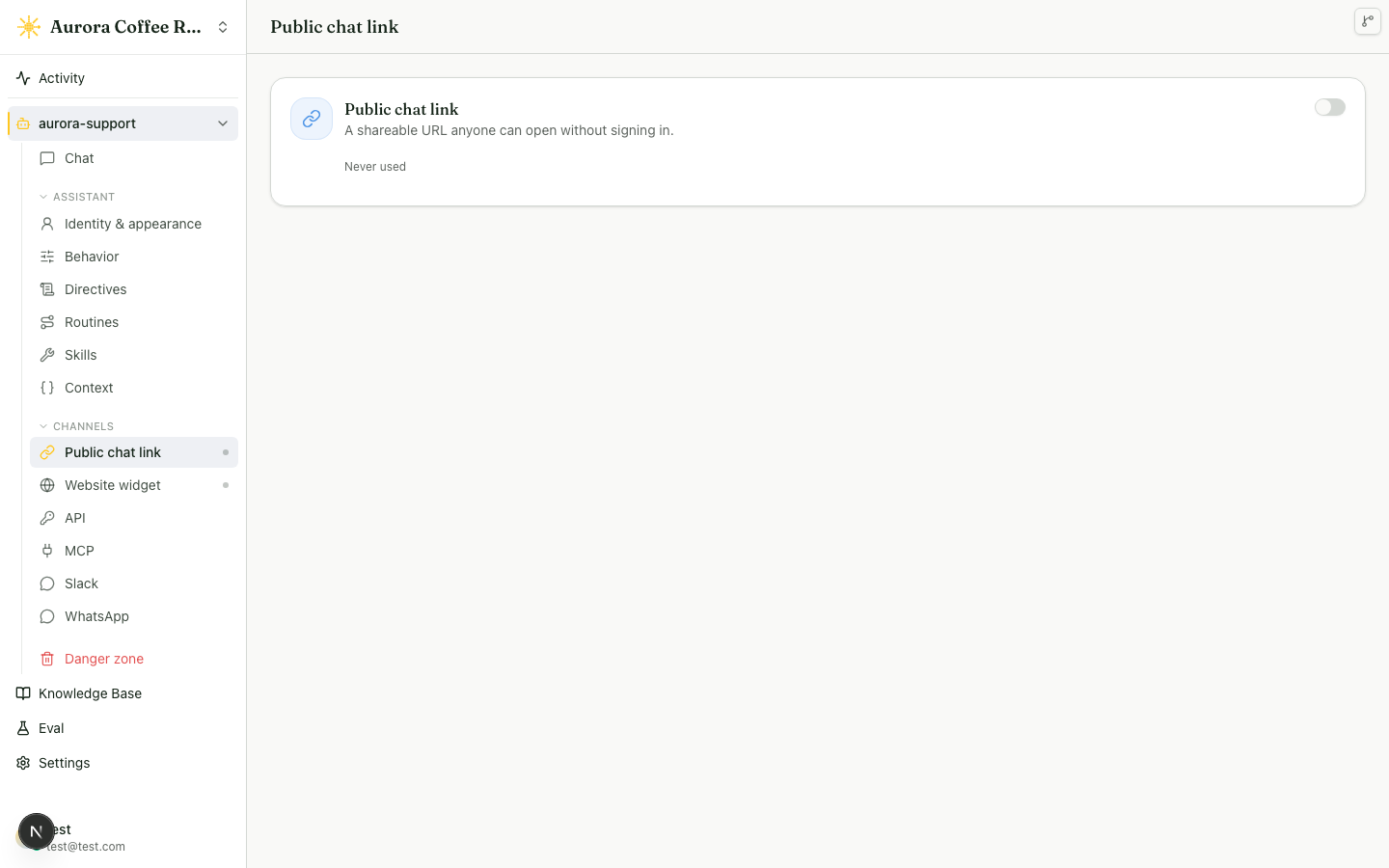
You manage it from an agent’s Channels, alongside Web chat — which carries the public link and the website widget — plus API and MCP.
What it does
- Direct messages to the Slack bot are routed to the default Radioso agent.
@mentionevents in Slack channels are answered in the originating thread. A channel-specific binding wins when one exists; otherwise Radioso uses the default agent.- Once the agent has answered in a thread, it keeps following it: replies reach the agent without another
@mention, so a follow-up is just the next message. It stays out of threads it was never brought into. - While the agent works on a message, Radioso adds an
eyesreaction. Once the reply is posted, that reaction is replaced with a check mark, or anxif the reply could not be delivered. - Answers are posted as formatted Slack messages, so bold text, lists, and links render the way they do in the web chat.
- Radioso appears in Slack’s agent pane, the Agents & AI Apps entry next to the message list. Each chat started there is a session with its own Radioso conversation, a working indicator while the agent answers, a title taken from the person’s first message, and the agent’s greeting chips as suggested prompts.
- Each agent-pane session (every direct message thread) and each channel thread maps to one Radioso conversation.
- When a turn’s outcome is
no_context, gap escalation is enabled, and an escalation channel is configured, Radioso posts a human follow-up to that channel. Setting only the channel is not enough — the escalation toggle must also be on. A question the agent declined as out of scope carries theout_of_scopeoutcome instead and never escalates, so scope probes don’t page a person. - Approval gates, handoffs, and unanswered questions arrive as interactive messages an operator can act on from Slack.
Choosing when the agent speaks
Each channel binding has a Responds to setting. @mentions only, the default, means the agent speaks when someone tags it and inside threads it already answers in. Every message means it also answers every top-level message posted in that channel, each in a new thread under the message — the fit for a dedicated #ask-support channel where every post is a question.
The default agent binding, the one that covers direct messages and every channel without its own binding, is always @mentions only. That keeps an agent from starting to answer unprompted in a channel nobody configured. In the API the field is respondMode, with values mention and every_message; a PUT that sets every_message without a channelId is rejected with 400.
Radioso in Slack’s agent pane
Slack lists agent apps in a pane of their own, reachable from the sidebar and the top of any channel, and Radioso registers there so people can open a chat with the agent without finding its direct message first.
Every direct message to the app is a session. Slack keeps each session as a thread in the app’s direct message, anchored on the first message, and Radioso keeps one conversation per session, the same way it keeps one per channel thread. Replies go into the session thread, and an operator reply from the Inbox lands there too. Starting a new chat in the pane starts a new session; writing inside an existing one continues it.
While the agent works on a session message, the pane shows Slack’s working indicator instead of the eyes reaction, and clears it once the reply is posted or the turn fails; a message replaced by a newer one in the same session leaves the indicator to that newer message. After the first answer, the session takes its title from the person’s first message, collapsed to one line and cut at 60 characters, so the sidebar shows what each session was about in the person’s own words.
The Messages tab shows up to four suggested prompts: the greeting chips authored on the default agent’s published revision, the same chips the website widget shows under the greeting, resolved in the agent’s default language. An agent whose greeting is automatic, switched off, or has no chips offers no prompts. Prompts refresh each time someone opens the Messages tab; nothing is started or recorded by that visit.
Sessions, the working indicator, and titles work with the chat:write scope every install has. Suggested prompts need the assistant:write scope and the app_home_opened event. An install that predates them shows needs_reauth in the install status and logs missing_scope when someone opens the Messages tab; sessions keep working in full, only the prompts stay empty until you reinstall or re-consent the app.
Operator actions in Slack
When the agent needs a person, Radioso posts an interactive message to the operator channel, so operators can act without opening the dashboard. Three kinds arrive:
- An approval gate posts the decision with one button per option — the options come from the routine, not a fixed approve/deny pair.
- A handoff and an unanswered question each post a card with a Take over button.
From these an operator can approve or deny a decision (the routine resumes with the chosen option), take over a conversation (the agent stops answering it), reply to the customer (a short Slack form opens, and the reply goes back where the conversation started — the customer’s Slack DM or the website chat), or hand the conversation back to the agent.
Only Radioso workspace members can act. Radioso matches the Slack user to a member by email, so the Slack user’s email must match their Radioso account. A Slack user who is not a member, or who lacks the takeover permission, gets a private message and the action does not run. A button that is already out of date, because someone resolved it first, is rejected without changing the result.
Slack in the Inbox
A Slack conversation shows its real Slack context in the Inbox: the conversation list and the reading pane show the Slack workspace, whether it is a direct message or a channel, the thread, and the Slack user. It is not shown as a plain authenticated chat.
Self-host setup
Self-hosted deployments use the standard Slack OAuth flow, with one difference: you supply your own Slack app secrets through environment variables.
- Set
APP_BASE_URLto the public HTTPS URL where users open the Radioso dashboard. - Open the agent’s Slack channel settings and expand Self-host setup.
- Copy the generated Slack app manifest.
- In Slack, create an app from that manifest.
- Set these environment variables from the Slack app:
SLACK_OAUTH_CLIENT_IDSLACK_OAUTH_CLIENT_SECRETSLACK_SIGNING_SECRET
- Restart the backend.
- Use Add to Slack in the Radioso UI, approve the install, and confirm the default agent. Optionally add channel-specific agent bindings, set Responds to per channel, and pick an escalation channel such as
#support.
Slack is available only when all three environment variables are set. If one is missing, Radioso does not start Slack OAuth install and the UI shows which variable you still need to configure.
The manifest is available from:
GET /api/v1/workspaces/{workspaceId}/slack/manifestIt requests bot scopes for mentions, chat posting, message reactions, direct messages, channel message history (channels:history, groups:history), the agent pane (assistant:write), and Slack user lookup (users:read, users:read.email); subscribes the app to app_mention, message.im, message.channels, message.groups, and app_home_opened; registers the app in the agent pane through features.agent_view with the Messages tab enabled under features.app_home; and fills the OAuth redirect, event, and interactivity URLs. Suggested prompts are set per workspace at runtime, so the manifest carries none.
The channel message events are what let the agent follow a thread without a re-tag and answer every message in a channel set up that way. Radioso acts on them only for threads it already answers in or channels bound with Every message. For everything else it keeps the Slack event id alone, with no message text, so a redelivery of the same event is recognised, and deletes that id after 7 days (SLACK_INBOUND_EVENT_RETENTION_DAYS; the sweep runs in the document worker, or as a scheduled push to POST /internal/tasks/slack-inbound-event-retention/sweep under the task runtime).
If an existing Slack app was installed before some of these scopes or events were part of the manifest, the install status shows needs_reauth and the agent keeps answering mentions and direct messages only. Update the app’s event subscriptions from the current manifest, then reinstall or re-consent the app so Slack grants the new scopes.
Split-host deployments
APP_BASE_URL is the dashboard origin, used for browser redirects such as the page shown after a Slack install completes. Slack reaches the backend directly for the OAuth callback and the Events API. When the backend runs on a different host than the dashboard, set CONNECTOR_PUBLIC_BASE_URL to the backend’s public HTTPS origin; the manifest and OAuth callback then use that host — for example a dashboard at https://app.example.com and an API at https://api.example.com. When it is not set, Radioso falls back to APP_BASE_URL, which is correct when one host serves both.
The backend must be reachable by Slack at a public HTTPS URL. If Slack cannot reach the callback, event, or interactivity URL, OAuth install and inbound messages cannot complete.
Setup and binding endpoints
The channel settings use these API surfaces:
POST   /api/v1/workspaces/{workspaceId}/slack/install/start
GET    /api/v1/workspaces/{workspaceId}/slack/install/status
GET    /api/v1/workspaces/{workspaceId}/slack/binding
GET    /api/v1/workspaces/{workspaceId}/slack/bindings
PUT    /api/v1/workspaces/{workspaceId}/slack/binding
DELETE /api/v1/workspaces/{workspaceId}/slack/binding?channelId={channelId}
A binding carries channelId, answeringAgentId, escalationChannelId, gapEscalationEnabled, and respondMode. channelId is the channel ID shown in Slack’s channel details (it starts with C), not the #name. Slack delivers events by ID, so a binding saved under #support matches nothing. Omit respondMode on PUT to keep the stored value.
Slack sends Events API payloads to /api/connectors/slack/events and interaction callbacks to /api/connectors/slack/interactivity. Radioso verifies the Slack signature, checks replay age, deduplicates by event_id (kept without message text for 7 days), ignores bot-authored events and message edits, deletions, and joins, resolves the agent from the channel binding, decides from the binding’s respondMode and thread ownership whether an un-mentioned channel message gets an answer, and runs the normal chat path with sourceChannel: "slack".
Common failure modes
- Add to Slack does nothing and the UI names a missing variable: one of the three
SLACK_*environment variables is unset. Set all three and restart the backend. - An operator’s Slack action is rejected with a private message: their Slack email does not match a Radioso member with the takeover permission.
- Buttons or reactions do not work after an upgrade: the app was installed before those scopes existed. Reinstall or re-consent the app.
- Thread follow-ups without a tag go unanswered, or
Every messagehas no effect: the app is missing themessage.channelsandmessage.groupsevents or the history scopes, and install status showsneeds_reauth. Update the event subscriptions from the manifest and re-consent. - The agent answers a top-level message nobody tagged it in: that channel’s binding is set to
Every message. Switch it back to@mentions only. - A channel binding has no effect — mentions there use the default agent and
Every messagenever fires: the binding was saved with a#nameinstead of the channel ID. Copy the channel ID (starts withC) from the channel’s details in Slack and bind that. - The agent pane shows no suggested prompts: the app is missing
assistant:writeorapp_home_opened, and the backend logsmissing_scopeon each Messages-tab open. Update the app from the manifest and re-consent. Prompts also stay empty when the default agent’s greeting is automatic or has no chips. - OAuth or inbound events fail on a split-host deployment:
CONNECTOR_PUBLIC_BASE_URLis unset or points at a host Slack cannot reach over public HTTPS.
Read next
- Human takeover — the ownership model behind the take-over and hand-back actions.
- Author a routine — author the handoff terminals and approval gates that post to Slack.
- Connectors and webhooks — the connector surface Slack events arrive on.